

j5create USB C Docking Station- Supports up to 3 Display Simultaneously
5 sold in last 24 hours
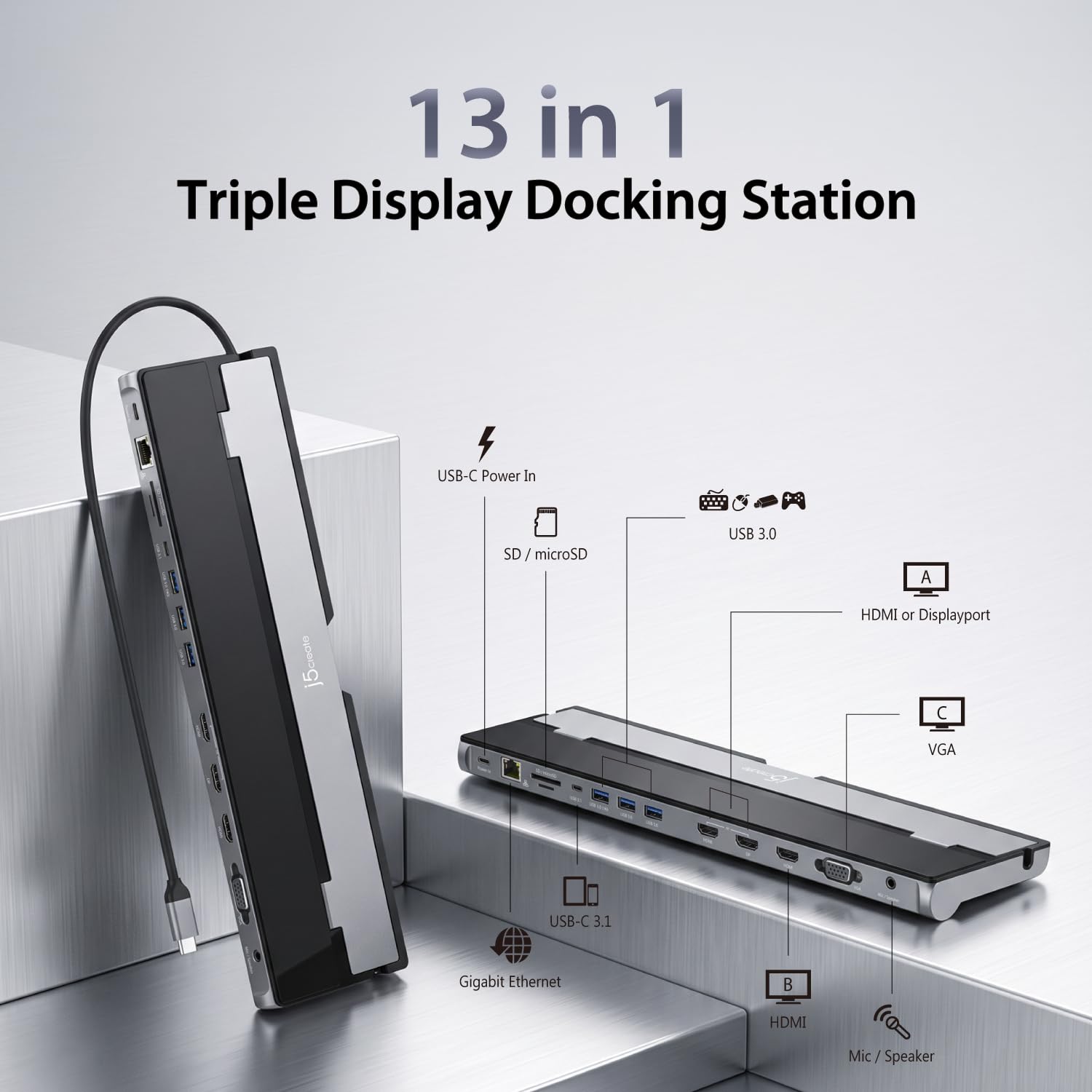
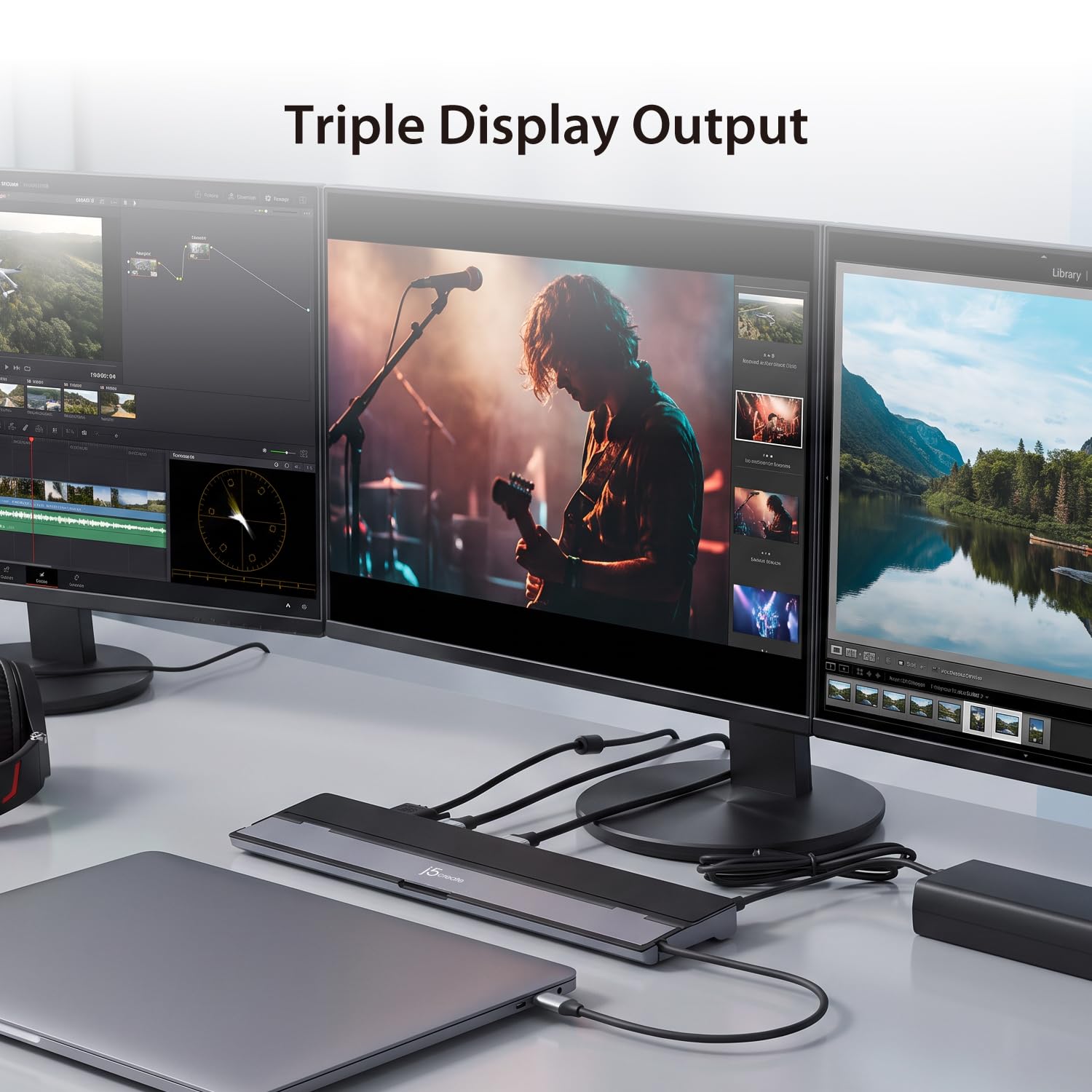
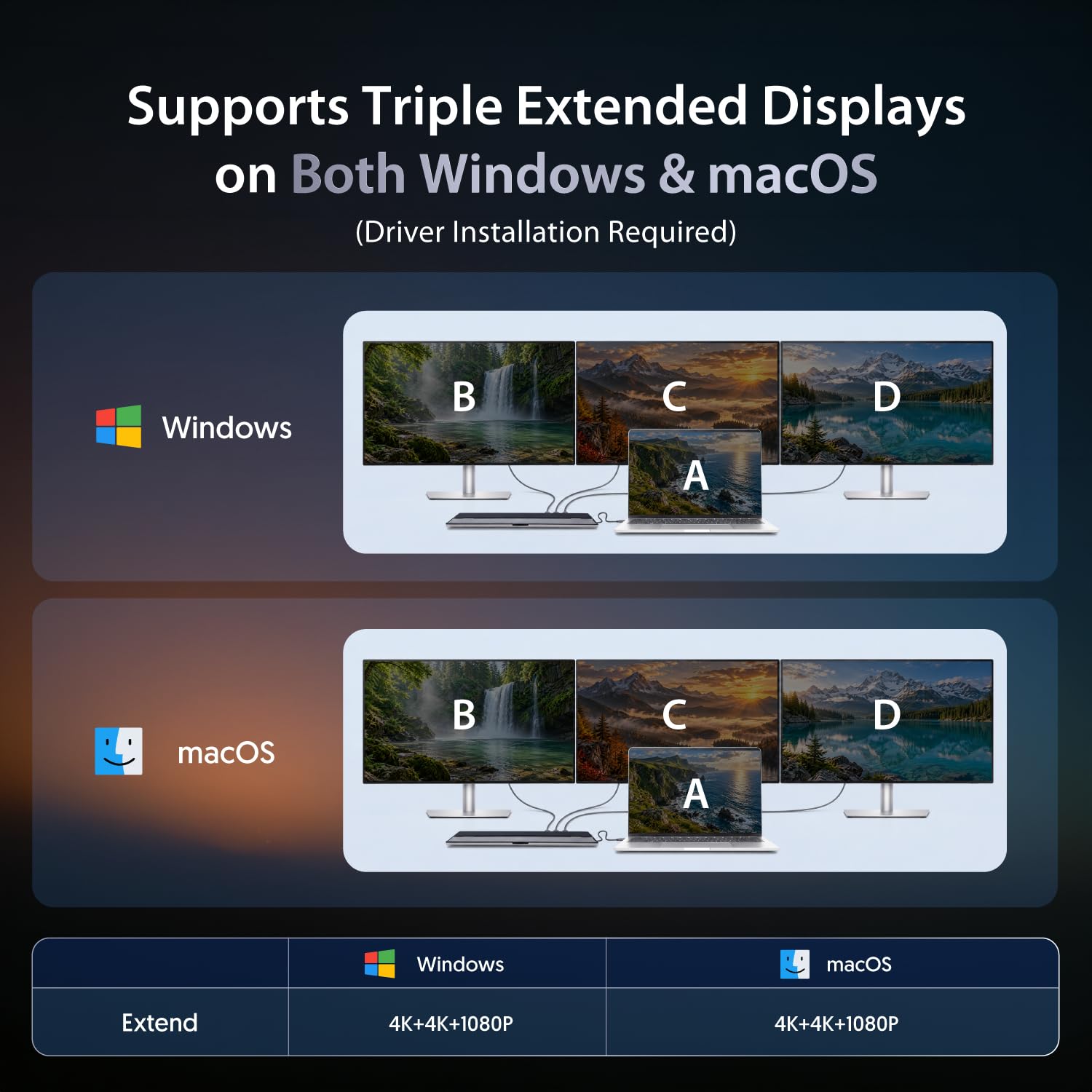
- The j5create USB-C Triple Monitor Docking Station provides extra connectivity from your computer and extends to up to three monitors through HDMI , VGA and DisplayPort / HDMI
- This docking station includes a NB stand that assists with heat dissipation and with its flexible USB-C cord, keeps in mind the location of the USB-C port on your device, ensuring an easy connection
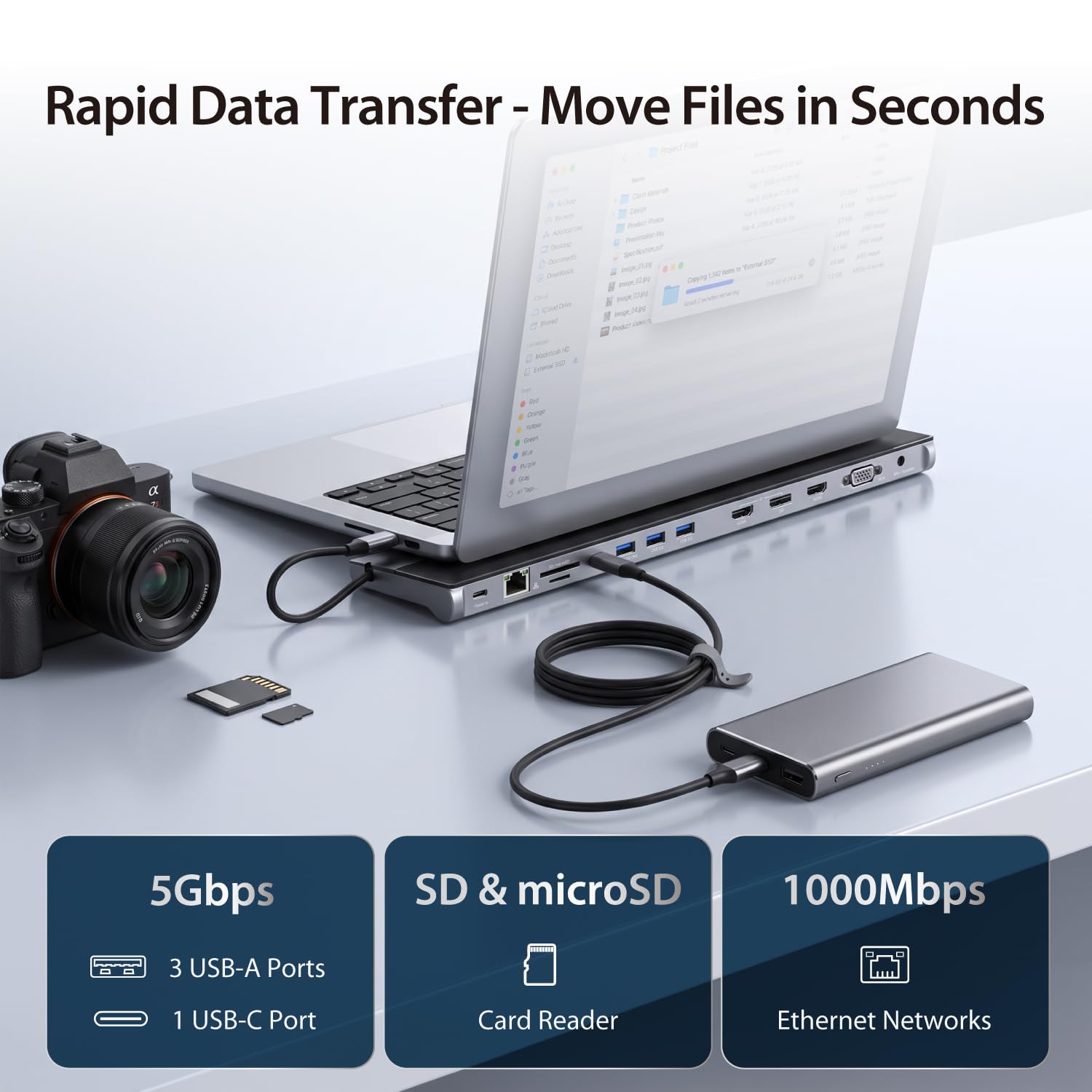
- These multi-adapters allow you to add an additional USB 3.1/SD/microSD computer peripheral, HDMI/DisplayPort/VGA monitor and Gigabit Ethernet through your USB port
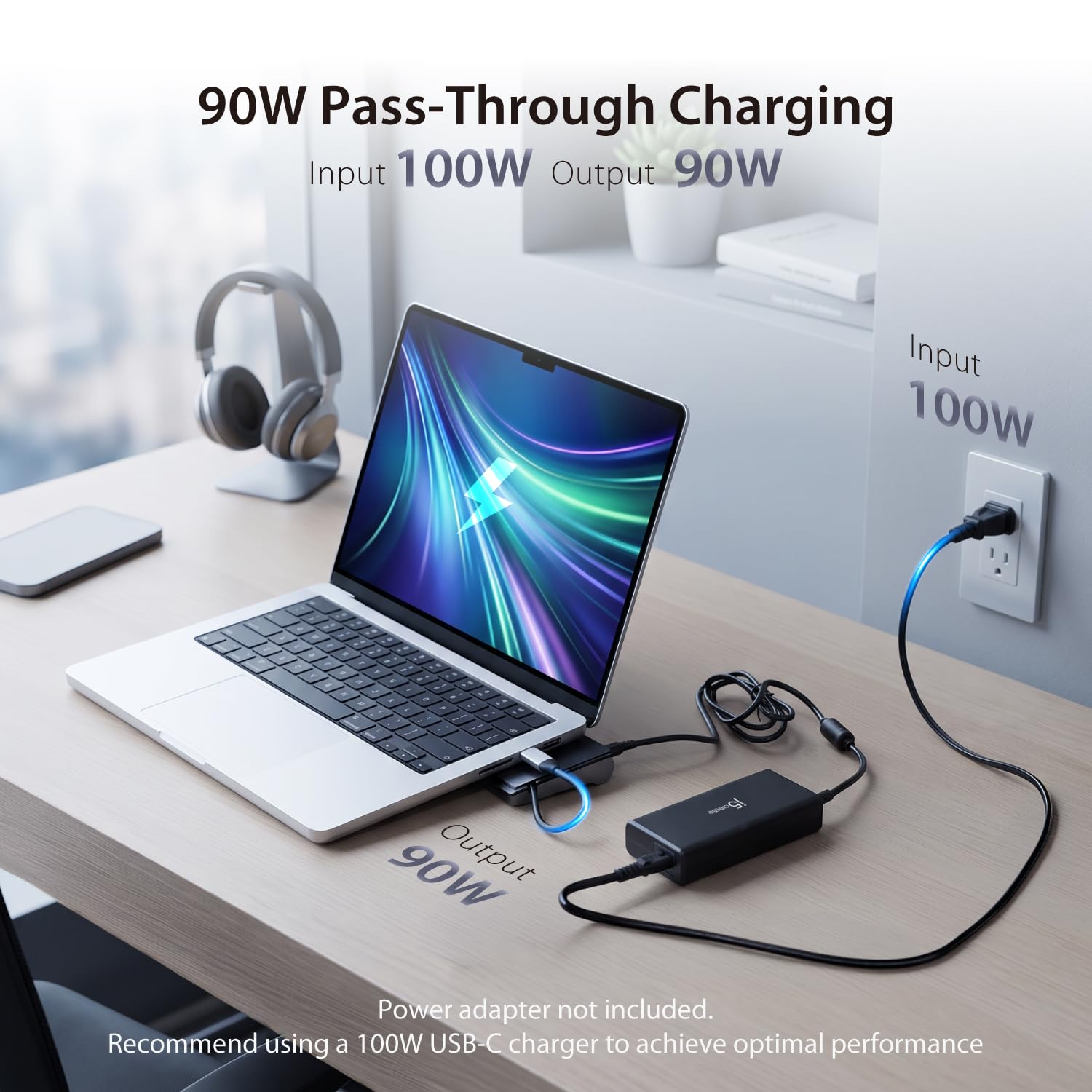
- One of the USB Type-A ports supports fast charging BC1.2 for a smart phone, tablet. The USB-C port supports PD 3.0, allowing you to keep charging your notebook or smart phone while using the adapter
- Compatible with Microsoft Windows 10 and macOS 10.11 or later. Driver installation and a USB-C 3.1 5Gbps port with Display Alt-mode and Power Delivery are required.
Tags |
Estimated shipping
Select a product to estimate shipping.Why does a screen recording permission request appear when I install the driver on a macOS system?
To send video over USB, j5create uses macOS screen recording to capture a local virtual display and transmit pixels to your monitor. Your privacy is safe: this happens entirely locally, and no data is ever sent over the internet.
Why isn't my laptop charging when connected to power?
The dock can connect to a USB-C port that doesn't support Power Delivery, but in this case, power will not pass through to the connected device. To enable charging, please ensure the connected port supports PD.
Can I connect multiple external hard drives at the same time?
We recommend connecting, at most, one (1) bus-powered/portable external hard disk drive to the USB hub at a time to ensure stable power delivery and reliable device performance.
My high-powered USB devices aren't performing well. How can I fix this?
For optimal performance with high-powered USB devices, attach a USB-C power adapter to the dock's power delivery port to ensure stable power supply.
Does the docking station need to be connected to an external power supply?
Yes. External power is required for stable operation and video output — without it, the dock may not function properly (e.g., displays won't work, USB devices may disconnect).
Product details


| Main Specification | |
|---|---|
| Colour | Black or Metallic |
| Manufacturer | j5create |
| Item dimensions L x W x H | 14.09"L x 3.48"W x 1.1"H |
| Number of Ports | 13 |
| Brand | j5create |
| UPC | 847626003363 |
| Number of Items | 1 |
| Compatible Devices | MacBook Pro |
| Wattage | 100 Watts |
| Global Trade Identification Number | 00847626003363 |
| Item Weight | 11 ounces |
| Product information | |
| Total USB Ports | 4 |
| Hardware Interface | USB Type C |
| Item details | |
| Model Number | JCD543 |
| Others | |
| Item Highlight | HDMI or VGA or DisplayPort or 100W PD Fast Charging or Gigabit Ethernet | Comes with Type C Cable Compartment (JCD543) |
| Product Type | Docking Stations |
| Mfr Part Number | JCD543 |
| Minimum Required Operating System Version | Windows 10 |
| Total Number of HDMI Ports | 2 |