
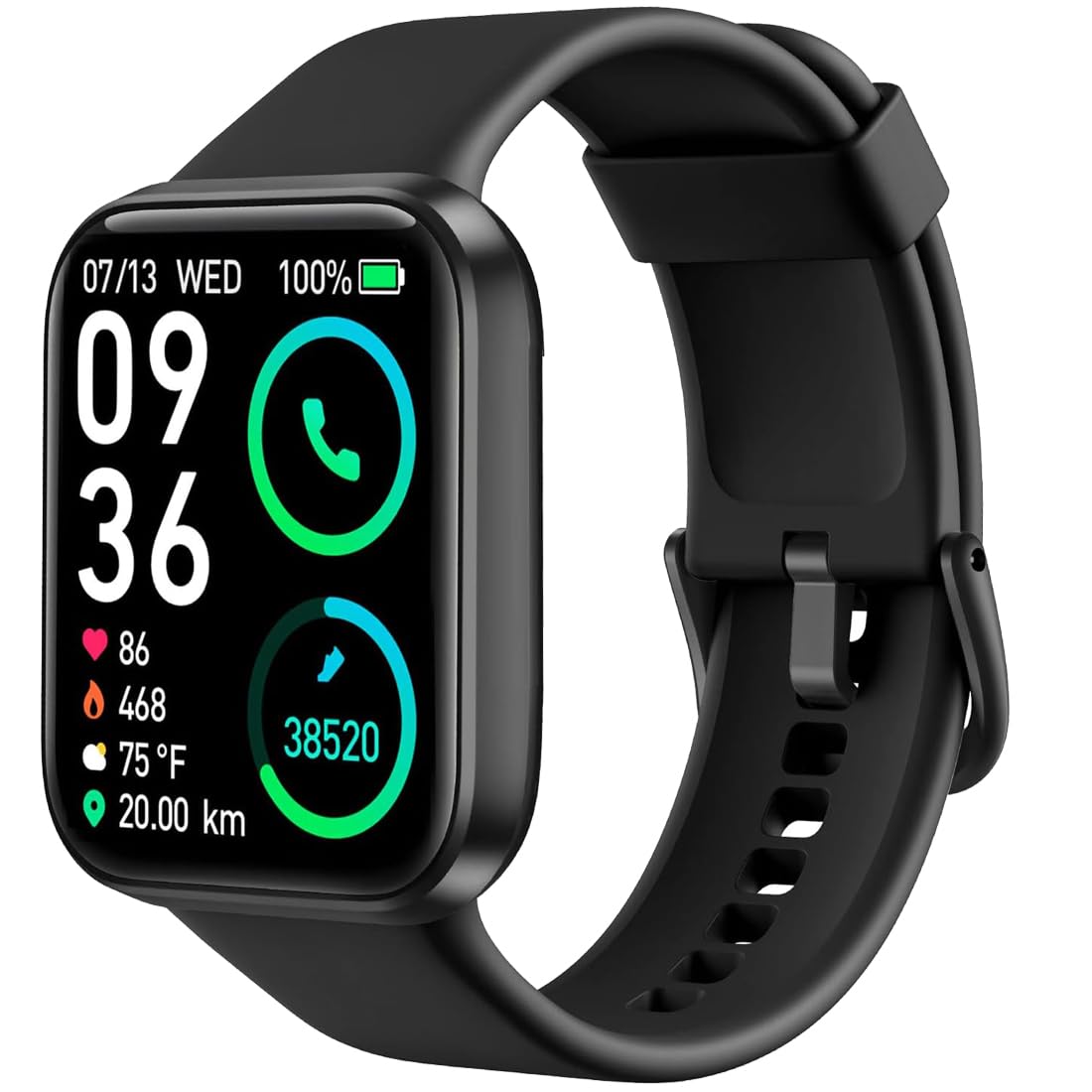

Bouncefit M I D116 Fitness Band Smart Watch for Men, Women, Boys, Girls, Kids – Single Touch Interface, Water Resistant, Workout Modes, Quick Charge Sports Smartwatch – Black I
7 sold in last 24 hours
- NOTE- NO CALLING FEATURE-You will receive only notification to See Calls & Messages on Your Wrist, calendar, SMS, Social Media Notifications (Facebook, WhatsApp, LinkedIn, Instagram, and Twitter) notifications on display, fitness tracker band let you never miss the messages that matter.
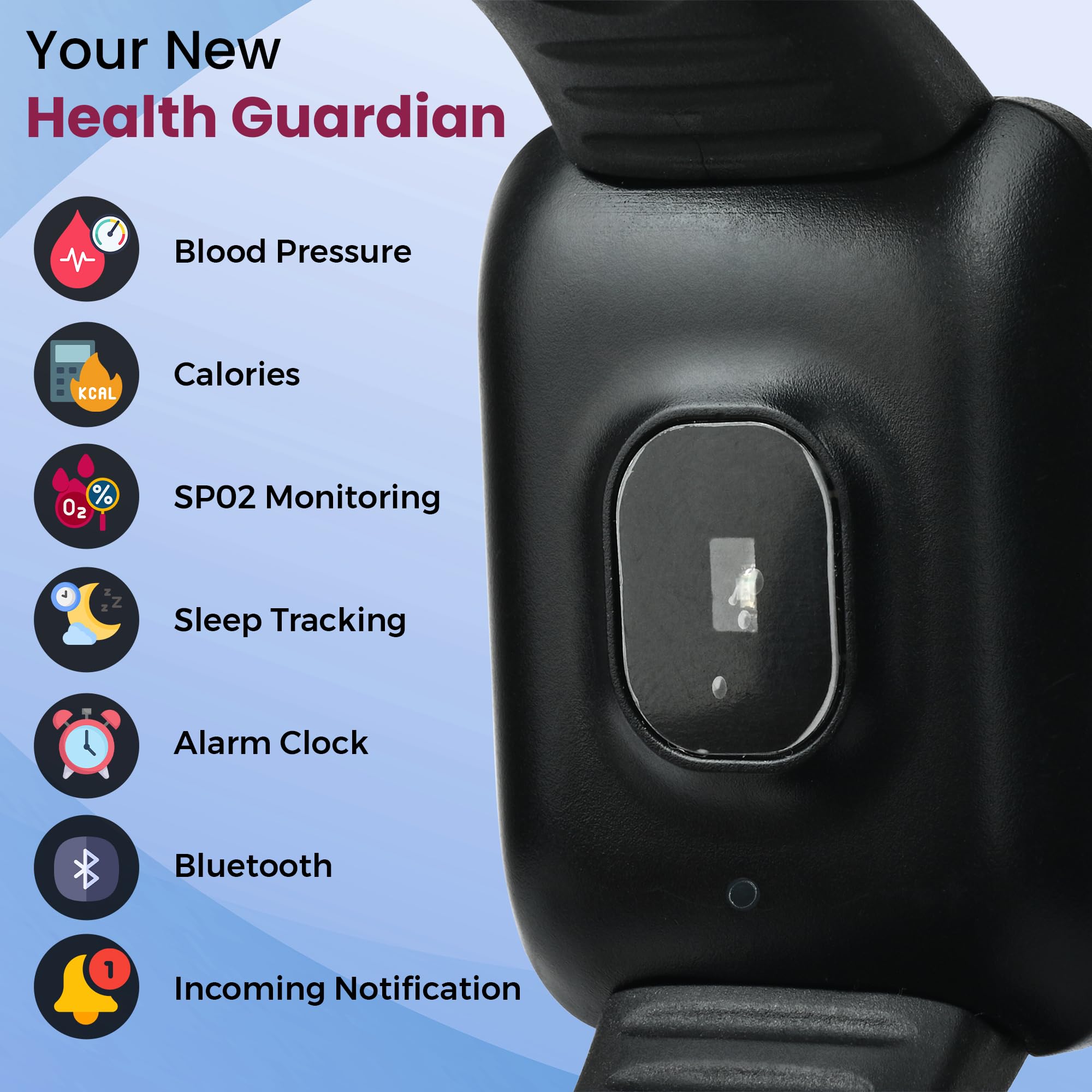
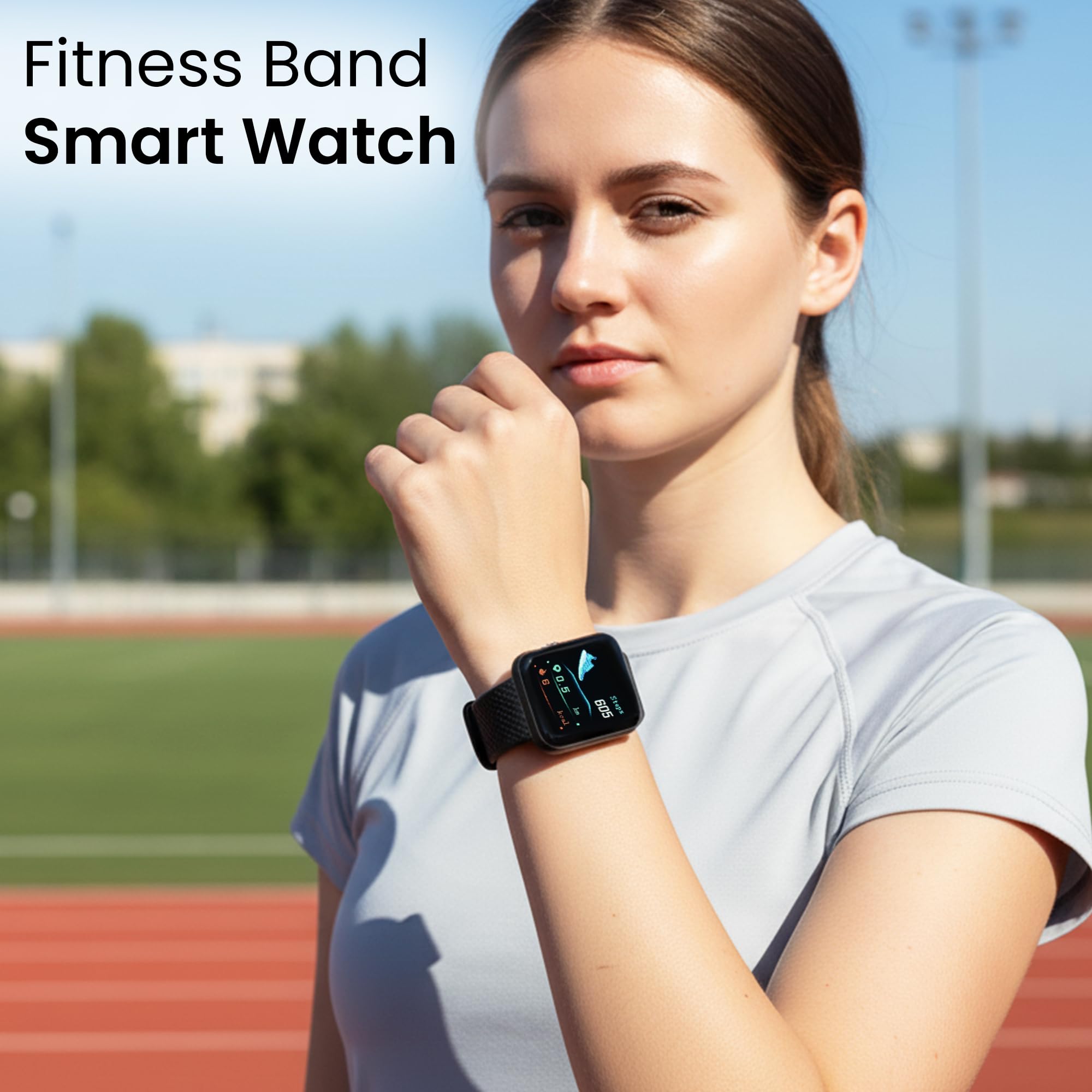
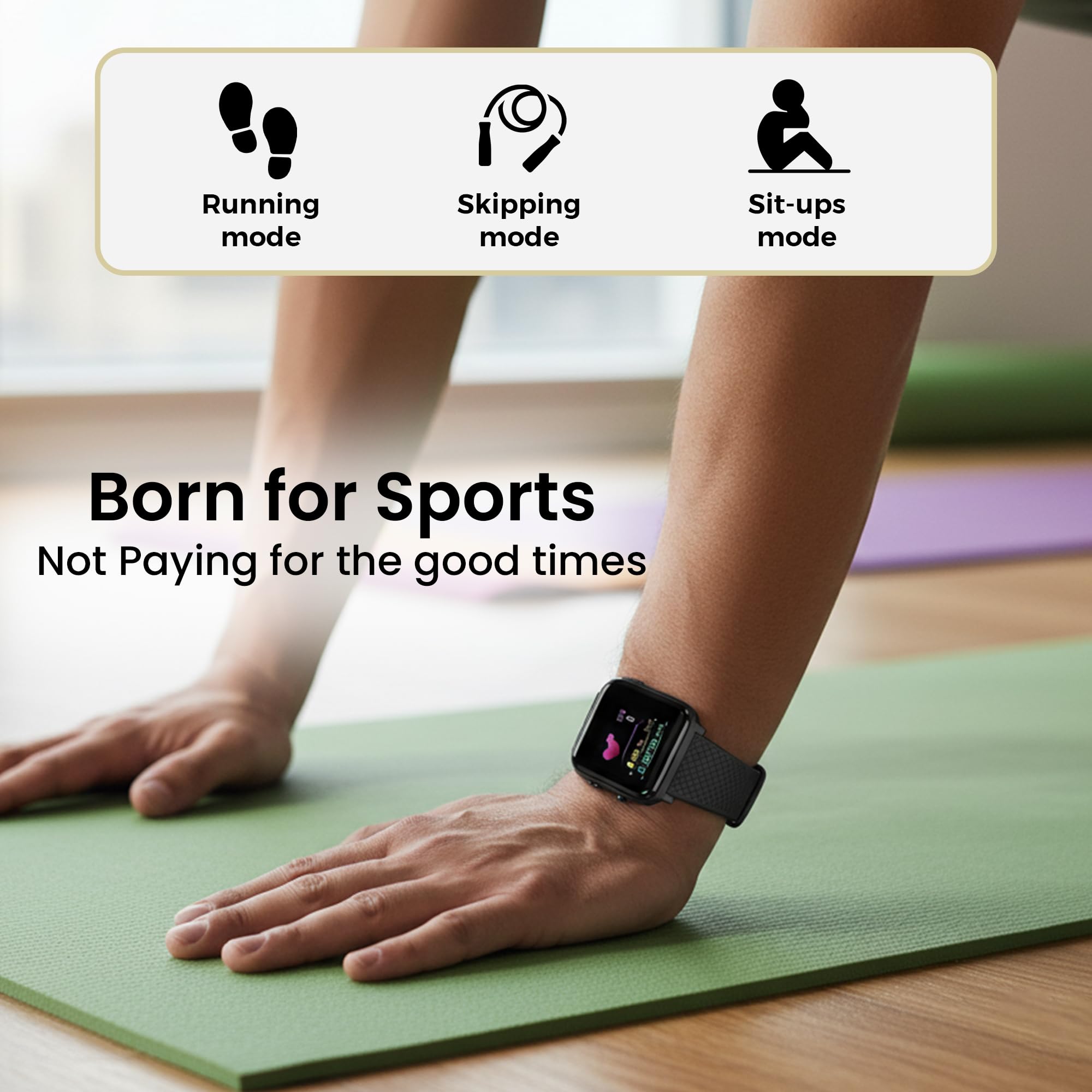
- Water resistant smart fitness Watch with Bluetooth And Heart Rate sensor, Activity Recorder, Sleep Monitor, Calorie Counter, Call Notifications, Alarm, Message, Usb Charging Supports smart phones, Tablets and PC's and also support Android and IOS
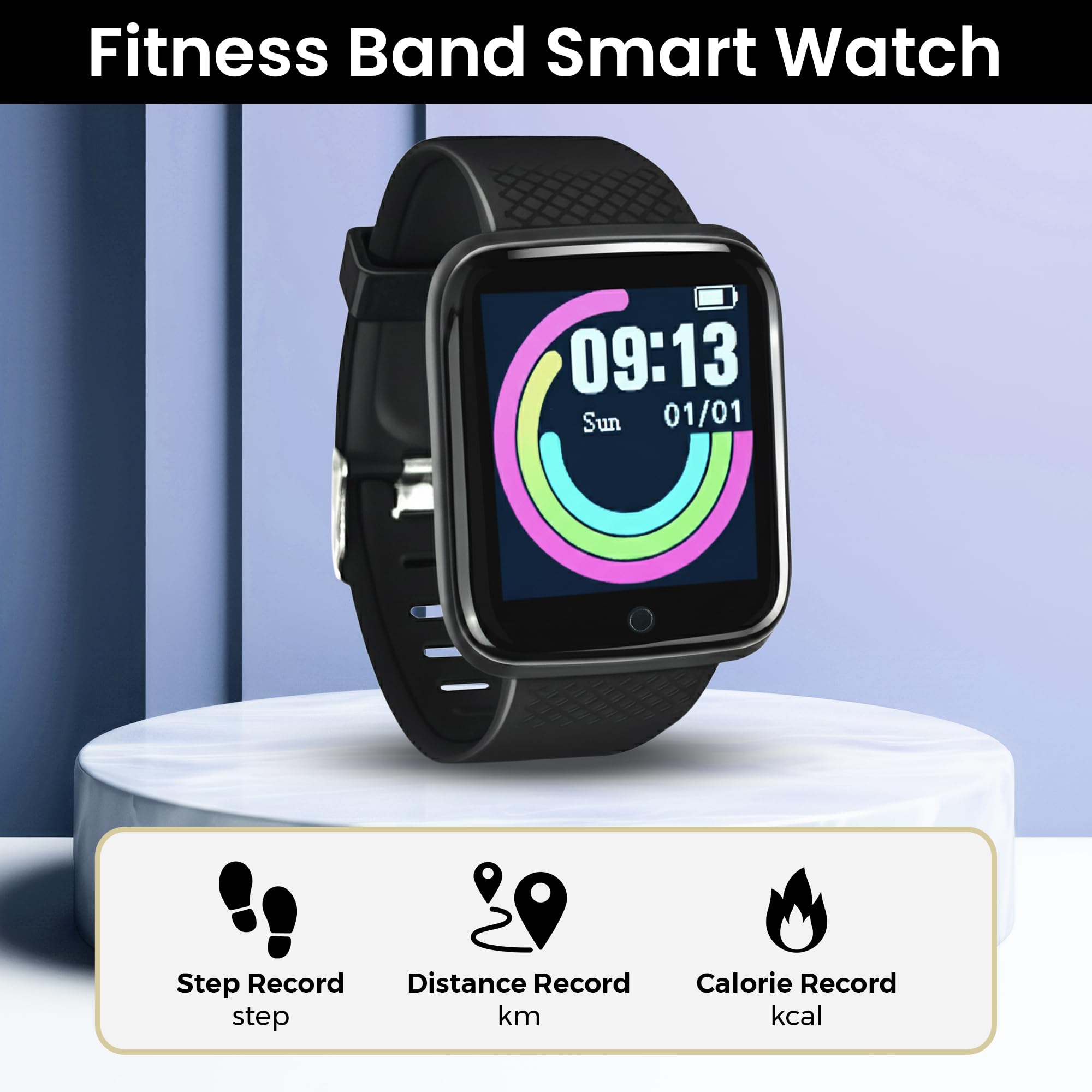
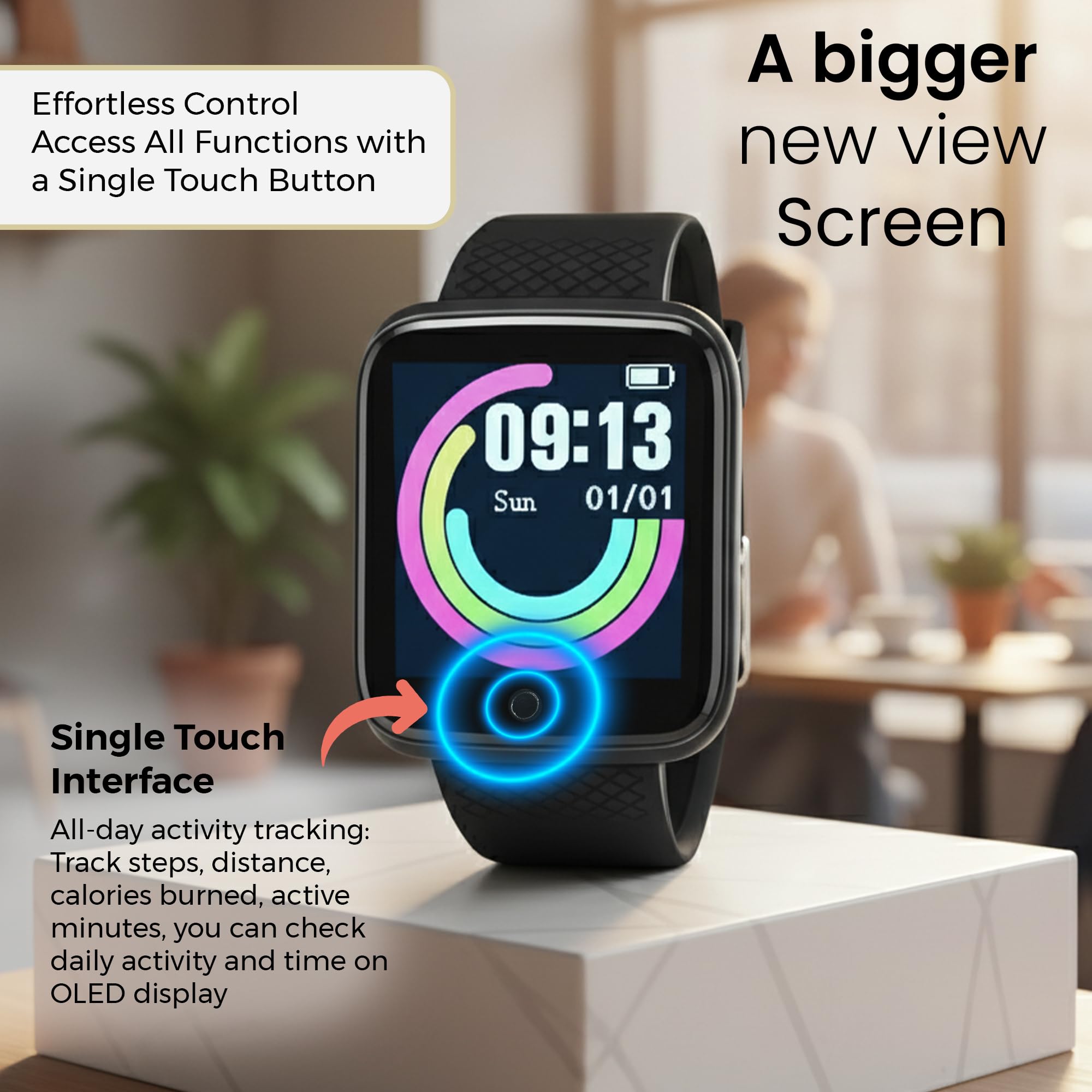
- All-day activity tracking: Track steps, distance, calories burned, active minutes, you can check daily activity and time on OLED display or APP
- Single Touch Interface : The Screen of the Smartwatch offers a unique single touch interface, just tap on the Circle below the screen to navigate the menu, full screen touch is not available
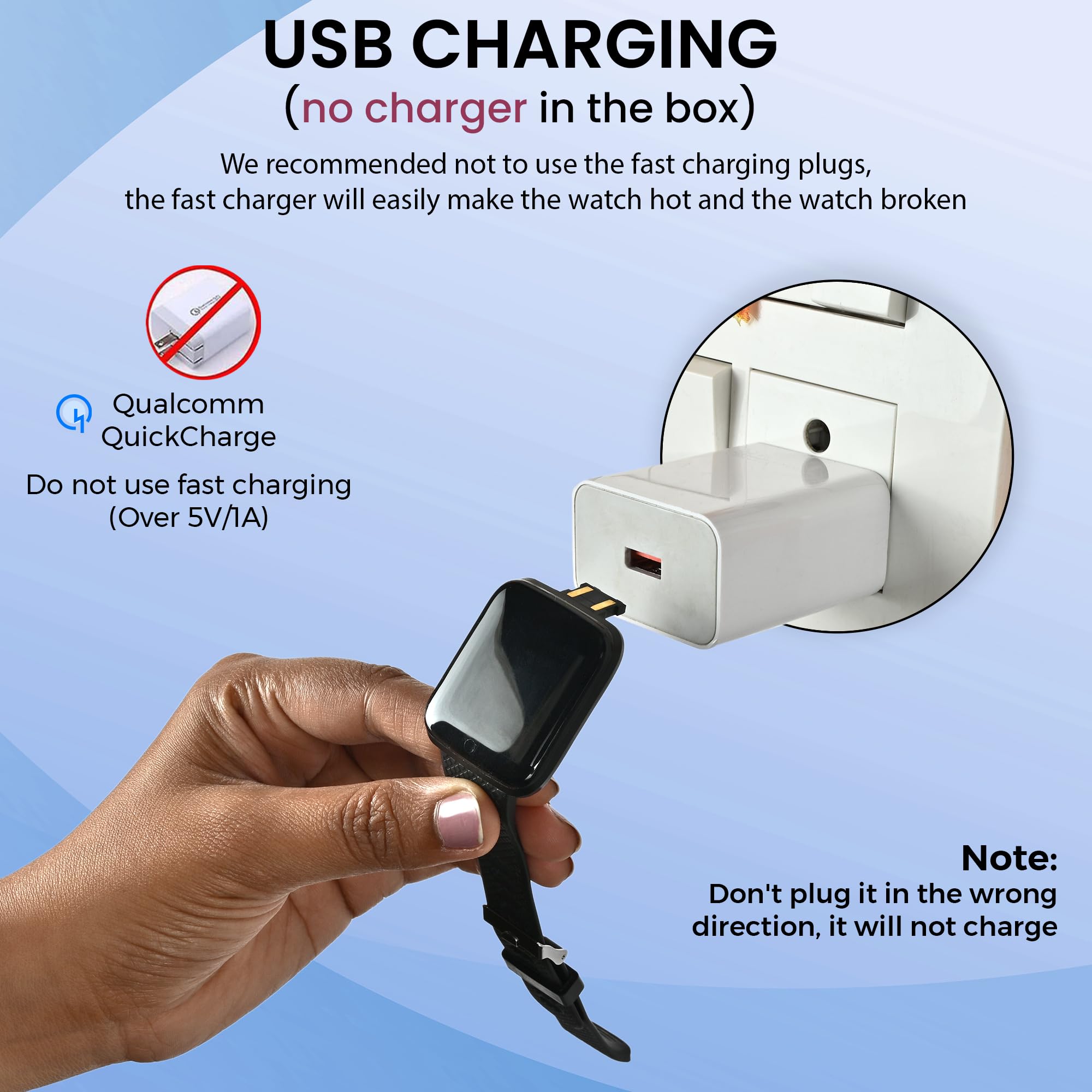
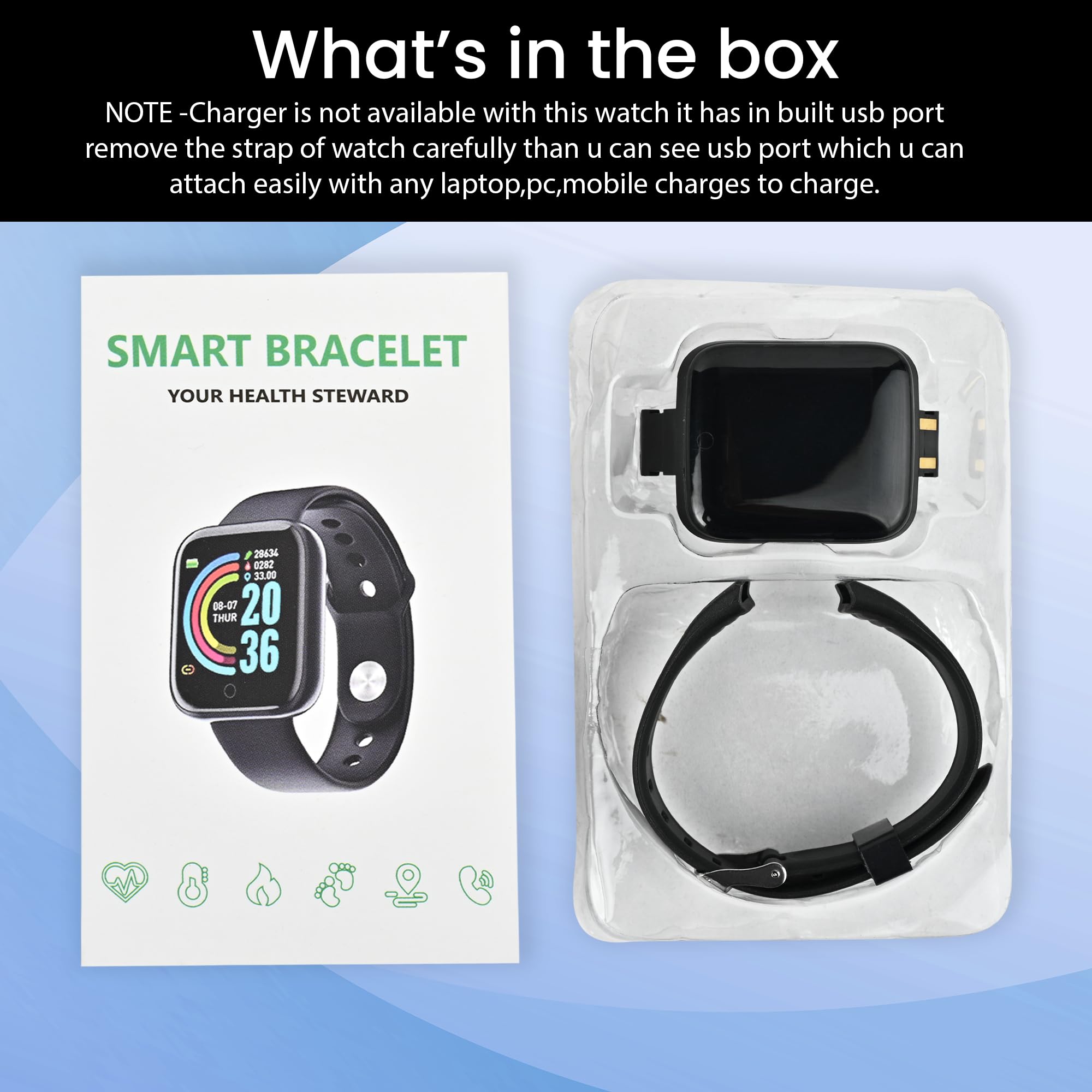
- NOTE - Charger is not available with this watch it has in built usb port (Yellow Strip on watch head). Directly insert the USB Port to any Standard Mobile Charger, Laptop, PC, Power Bank to charge. Compatible App - FIT PRO
Estimated shipping
Select a product to estimate shipping.Charging Instructions:
- This Smartwatch does not come with a dedicated charger.
- Simply plug in the watch in any Standard Mobile Charger, Power Bank, Laptop or USB.
- If your smartwatch doesn't start charging after plugging it in, simply unplug it, flip it 180°, and plug it in again. Since the USB connector can be inserted in either direction, only one side provides the correct charging connection.
How to know it's charging:
A battery icon and charging indicator will appear on the watch screen. If you don't see the charging icon, flip the watch and reconnect it.
NOTE : Please charge atleast 2 hours before first time use.
How to Setup Smartwatch for the first time/How to Set Date and Time on Smartwatch -
Follow these simple steps to set up your watch:
Step 1 – Charge Your Watch First
Before using for the first time, charge your watch for at least 2 hours using any standard mobile charger or Power Bank .
Once charging starts, the screen will light up showing charging symbol.
Step 2 – Download the App
On your smartphone, go to: Store (for Android phones) OR Apple App Store (for iPhones).
Search for “FitPro” and install the app.
Step 3 – Turn on Bluetooth on Your Phone
Open your phone’s settings.
Switch Bluetooth ON .
Important: Do not connect the watch from Bluetooth directly. Always connect it through the Fitpro app.
Step 4 – Open the FitPro App
Open the Fitpro app and allow permissions (like Bluetooth, Location, Notifications).
Permissions are important so the watch can send alerts and sync health data.
Step 5 – Pair the Watch with the App
In the FitPro app, go to “Set” → “Bind Device to experience more features” (Highlighted in Green Colour).
Wait for the app to search → You’ll see a device name - 716 .
Tap it → The app will connect to your smartwatch.
Step 6 – Confirm Connection
Once connected, the watch will automatically update the time and date .
Your steps, sleep, and heart rate will start showing in the app.
You’ll also begin to receive call, SMS, and app notifications on the watch.
Troubleshooting (if not connecting)
Restart Bluetooth on your phone and try again.
If still not working, reset the smartwatch by navigating to More > Reset . Once Reset is done, try to connect the watch by following Step 5
Inside the app, tap Unbind Device , then Add Device again.
Keep the watch close to the phone (within 10 cm) while pairing.
FREQUENTLY ASKED QUESTIONS -
1. Which app is compatible with Smartwatch?
Download the “FitPro” app from Store or Apple App Store.
2. My watch is not turning on. What should I do?
Charge the watch for minimum 2 hours before first use.
It will power on automatically after charging.
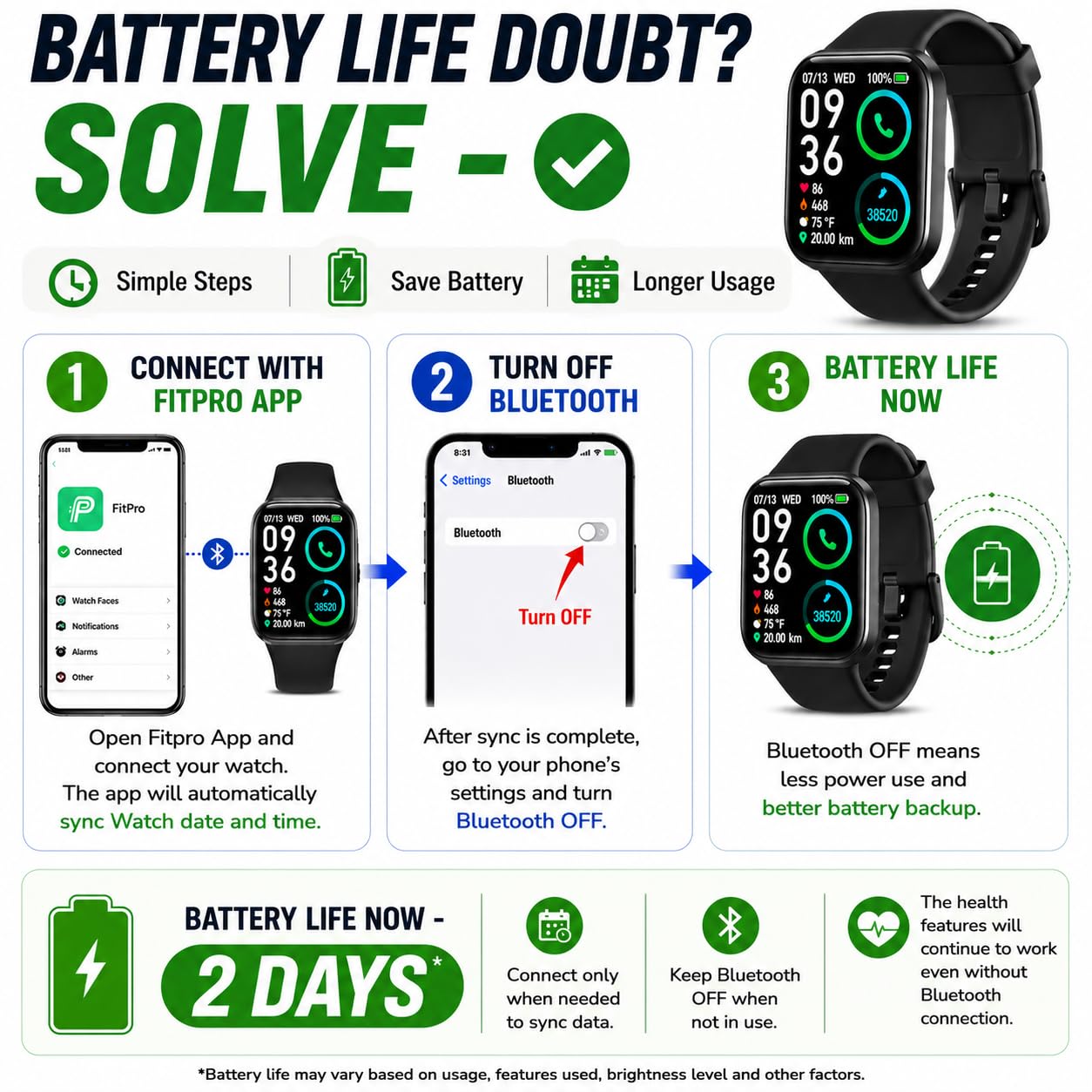
3. How can I extend battery life?
Connect the watch to the Fitpro app once to sync the correct time .
After setup, you may turn Bluetooth Off on your phone.
The watch will continue to display the correct time and count steps normally.
This method will extend Battery life significantly .
Product details


| Main Specification | |
|---|---|
| Publicul țintă | Femei or Boys or Fetelor. or Unisex Adults or Unisex Kids |
| Modele de telefon compatibile | Dispozitive Android or Dispozitive iOS |
| Caracteristici speciale | Tracker de activitate or Blood Pressure Monitor or Calorie Tracker or Daily Workout Memory or Sedentary Reminder |
| Producătorul | Matrix International, Matrix International |
| Număr de unități | 1.00 Piesa |
| Capacitate baterie | 150 milliamp_hours |
| Interfață umană | Ecran tactil |
| Tip controlor | Control tactil |
| Tip de afișare | OLED |
| Marca | Bouncefit |
| Tehnologie de conectare | Bluetooth |
| Capacitate stocare memorie | 100 MB |
| Rezoluția | 240 x 240 |
| Forma | Piață |
| Denumire model | D116 |
| Nivelul de rezistență la apă | Rezistent la apă |
| Dispozitive compatibile | Smartphone |
| Tip de închidere | Buckle |
| Culoare | Negru |
| Product information | |
| Sistem de operare | Ios or Android |
| Tipul garanției | Limitat |
| Technical Details | |
| Tipul celulei bateriei | Ion litiu |
| Tipul de sport | Multi-Sports |
| Putere baterie | 100 |
| Țara de origine | China |
| Item details | |
| Descrierea intervalului de vârstă | Adulţi or Kids |
| Număr model | D116 |
| Tip element Denumire | Ceasul inteligent |
| Style | |
| Denumire stil | Buckle Strap |
| Measurements | |
| Dimensiuni element D x W x H | 30D x 30W x 4H Millimeters |
| Dimensiuni elemente | 30 x 30 x 4 Millimeters |
| Others | |
| Caracteristici produs | Tracker de activitate or Blood Pressure Monitor or Calorie Tracker or Daily Workout Memory or Sedentary Reminder |
| Cuprins | 1 X D20 Smartwatch or 1 X Instructions Manual |
| Informații de contact Packer | Matrix International or Ph : 9560335864 |
| Informații de contact pentru importator | Matrix International or Ph : 9560335864 |
| Metrice măsurată | Monitor ritm cardiac or Durata somnului or Blood Pressure |
| Tip de produs | Ceasul inteligent |
| Aplicare susținută | Fitpro |
| Unitatea de greutate element de măsură | 0.08 Kilograms |
| Unitatea de măsură a dimensiunii ecranului | 3.04 Centimetres |
| Informații de contact ale producătorului | Matrix International |
| Timp de încărcare baterie | 2 ore |
| Viaţa medie a bateriei | 1 Days |
| Tipul materialului de caz | Plastic |
| Funcționalitate GPS Geotagging | Fără GPS |
| Tipul materialului benzii | Silicon |
| Adâncimea rezistenței la apă | 10 Metres |
| Compabilitate fără fir | Bluetooth |
| Caracteristici de comunicare | Bluetooth |
| Tip computer portabil | Ceasul inteligent |
| Lungimea benzii | 220 Millimetri |
| Memorie RAM instalată | 100 MB |
| Culoare bandă | black |
| Lățime bandă | 20 Millimetres |
| Clasp Type | Hook Buckle |